¶ Creating an Unmanaged Module
Creating a new Module in Moduverse is divided into three main steps:
- Creation of Module Content
- Creation of an Unmanaged Module
- Submission of the Module to the Module Store
At this stage of the documentation, it is assumed that you have already created the Module Content (e.g., a World Module), as explained in one of the corresponding documentation pages.
See this page in case you don't already have created the Module content.
The next step in your workflow is to create an unmanaged Module from your packaged content.
To begin this process, you first need to start Moduverse.
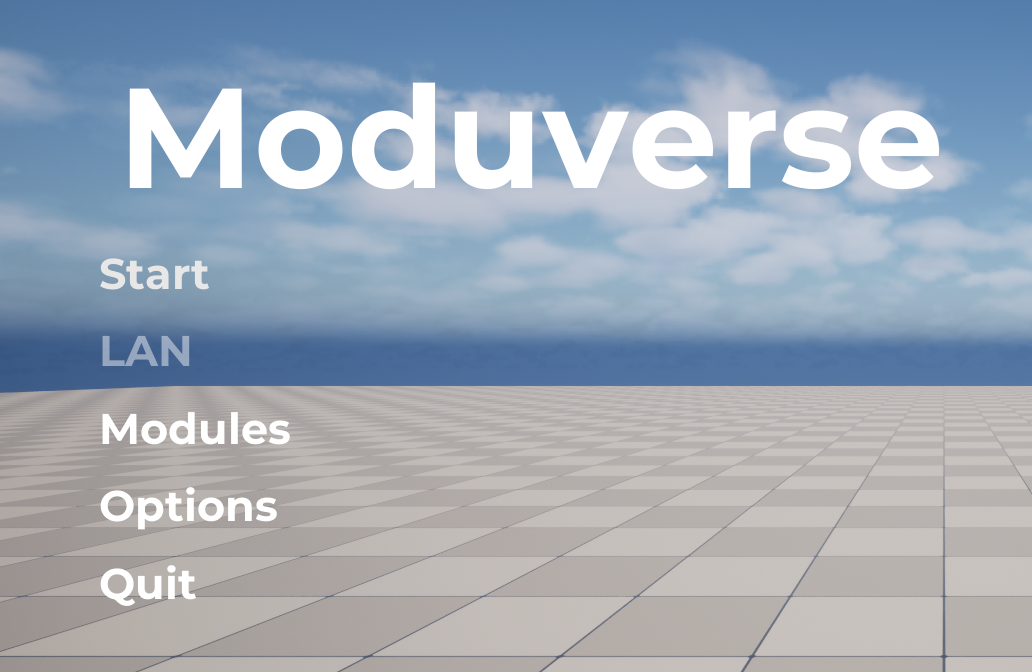
Click the Modules button.
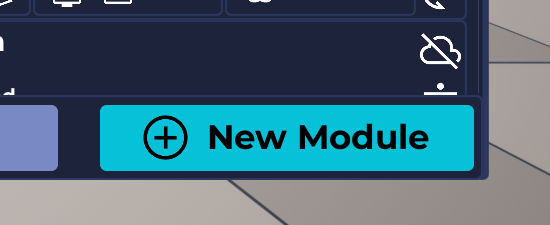
In the panel that appears, click the New Module button.
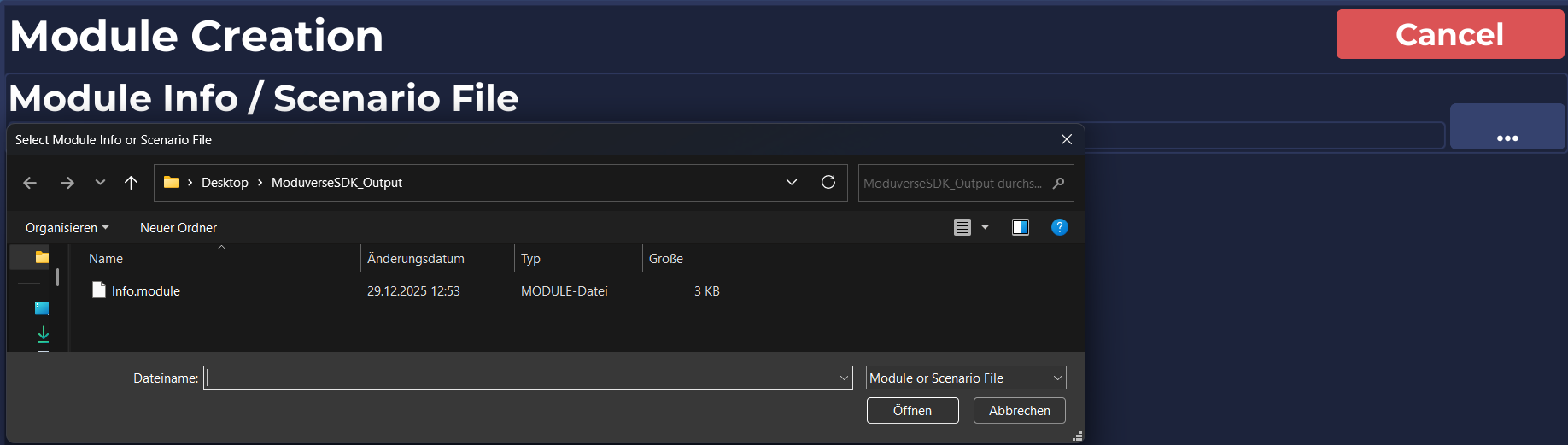
You will be prompted to reference the Module’s .module file.
Navigate to the output folder where the Moduverse SDK packaged your content.
The .module file is located in the same folder.
After selecting the file, you will need to fill out the form.
Here you can set various properties for your Module, such as the Module Type, Name, Displayed Creator Name, Preview Image, and many more.
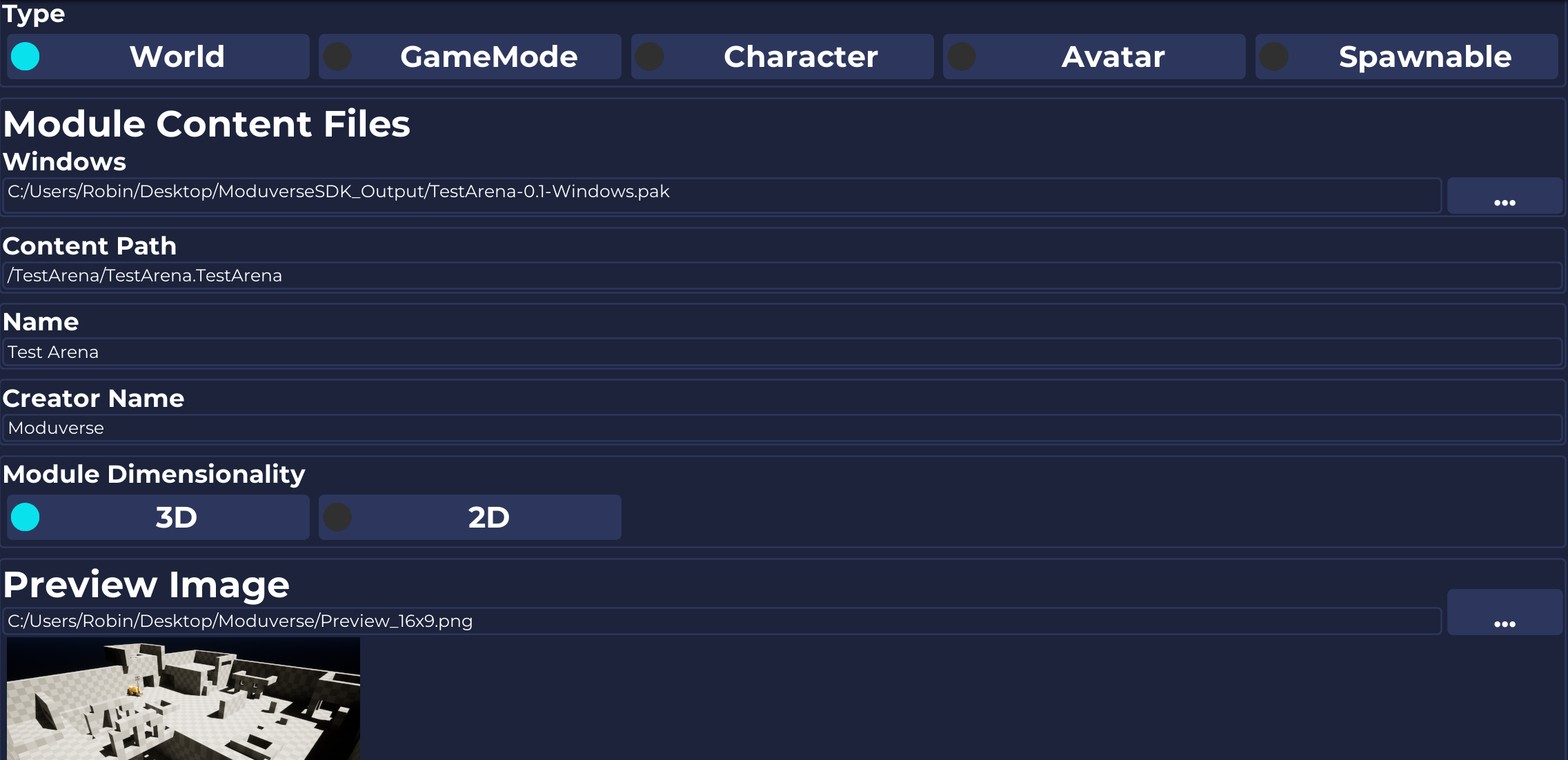
Also, don’t forget to scroll down, as there are additional fields that need to be completed.
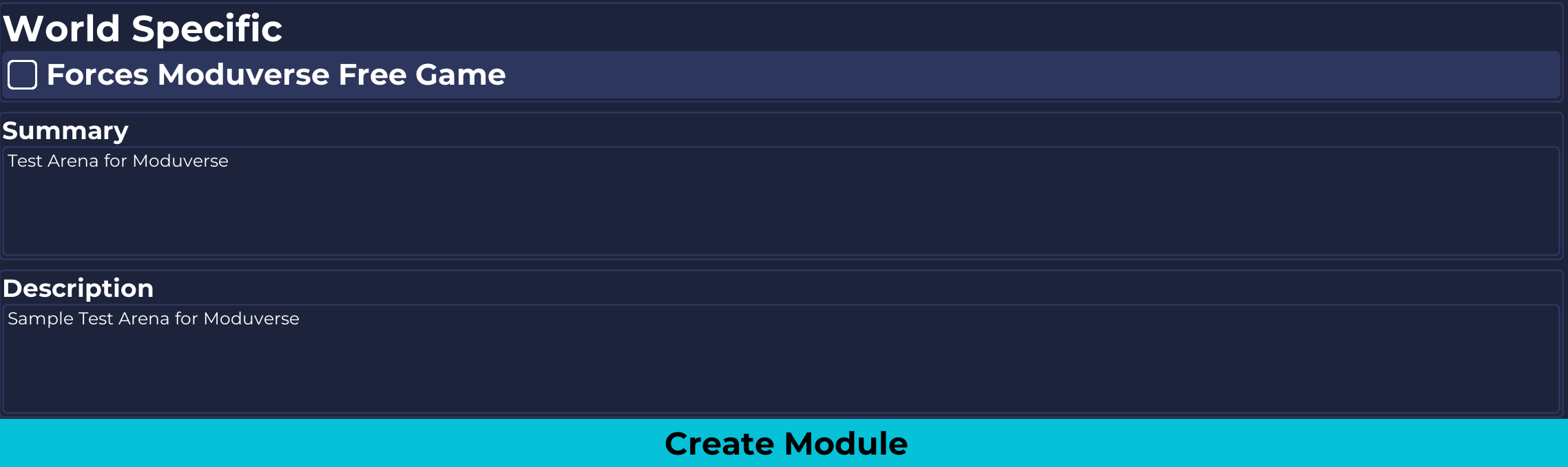
When you are finished, click the Create Module button at the bottom.
This will create an unmanaged Module, which will be ready in the same directory as your content.
However, this unmanaged Module cannot be used as-is.
To share it with others and make it usable in Moduverse, you first need to submit it to the Module Store.
This page explains how to complete this process.