¶ Submitting an Unmanaged Module to the Module Store
To make a previously created unmanaged Module usable for yourself and others within Moduverse, it needs to be added to the Module Store by submitting it.
- First, open the Module Store from the Moduverse Overlay.
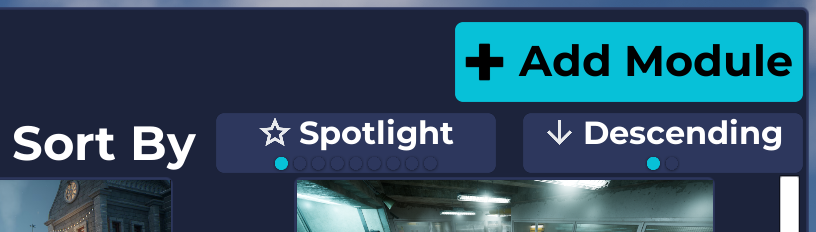
- In the top-right corner, you will find the Add Module button.
- Click the button to begin the process of submitting your unmanaged Module to the Module Store.
In the panel that appears, select the .module file of your previously created unmanaged Module.
The system should also automatically detect the Preview Image located in the same directory.
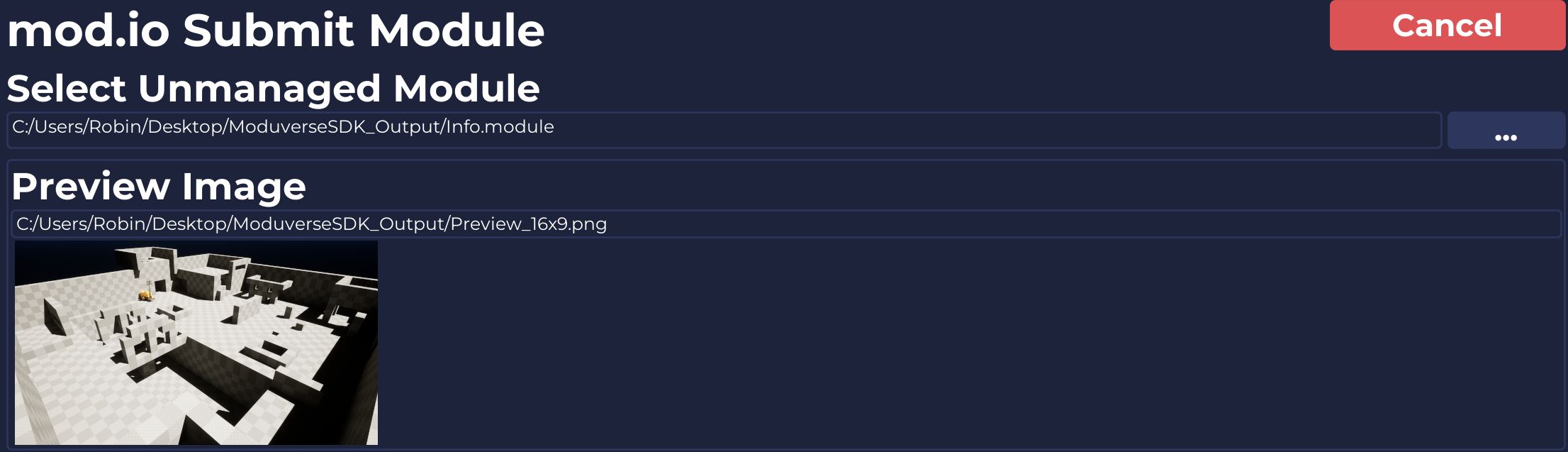
Click the Submit button at the bottom to submit your unmanaged Module to the Module Store.
During this process, a Managed Module is created in the Module Store, assigned a unique ID, and you are set as its Owner. The module is then prepared for further use.
The Preview Image, along with all the information from the .module file, is also uploaded to the Module Store.
However, the Managed Module is not ready for use yet, as it currently contains no content.
Only Modules that have at least one version of content can be discovered in the Module Store Browser.
The next step is therefore to add your content to the Managed Module in the Module Store.
This page explains the process of adding your content to a Managed Module.